
Ishin Roblox Character and House Customization
While Ishin on Roblox offers various ways to modify your appearance, there is no direct mechanic for an early access title change. Players instead focus on using the Accessory Adjustment gamepass to refine their character's look or engaging in house customization to personalize their living space.
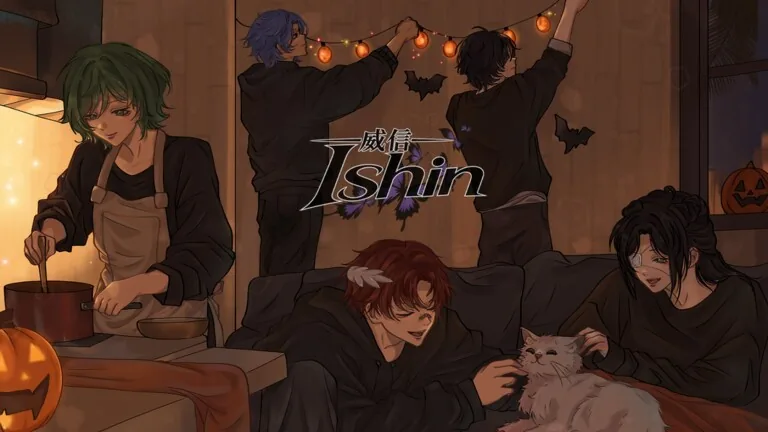
While Ishin on Roblox offers various ways to modify your appearance, there is no direct mechanic for an early access title change. Players instead focus on using the Accessory Adjustment gamepass to refine their character's look or engaging in house customization to personalize their living space.
How Do You Customize Your Appearance in Ishin?
The Ishin experience allows players to adjust their character's visual identity through specific tools rather than system-wide title changes. The primary method to alter how your character looks involves the Accessory Adjustment gamepass. This item costs 79 Robux and allows you to change the position, scale, and rotation of your accessories.
If you need guidance on how to manage these items after purchase, you can review the steps on how to wear accessories. These tools provide the flexibility to create a unique look for your student character as you participate in activities like science experiments or competitive games.
Personalizing Your Living Space
Beyond character appearance, you can personalize your environment within the game. The developer, luure, allows players to create a home that is unique to them. This system is part of the broader house customization options available in the game, which enables players to establish a personal base of operations.
While the interface for these features is integrated into the core game, there are no specific commands for altering titles or early access statuses. All customization features are accessible within the standard gameplay loop on the official Roblox game page.
Available Customization Options
The following table summarizes the available customization features found in the game based on the current available tools:
| Feature | Cost | Purpose |
|---|---|---|
| Accessory Adjustment | 79 Robux | Change position, scale, and rotation of accessories |
| Custom Hair | 49 Robux | Modify character hairstyle |
| Home Customization | Free | Create and decorate your unique home |
By focusing on these specific gamepasses and in-game systems, you can tailor your experience to suit your preferences. The developer continues to update the game with new content, and any major changes to identity systems or title mechanics would be reflected in future updates to the official Roblox game page.
Next step
Gamepasses
Browse the available gamepasses in Ishin, detailing costs and functionality for each pass.
Related Guides
Ishin Roblox How to Gain Cat Trust and Tame Pets; Ishin Roblox How to Make Money: Jobs & Yen; Ishin Roblox Beginner Guide: How to Start and Play
Gain Cat Trust
Follow proven steps to feed, soothe, and play with your newly adopted cat to remove fear and raise trust in Ishin.
Make Money Guide
Review every working job, street task, and science experiment in Ishin to collect Yen for apartments and pet supplies.
Beginner Guide
Start your school life smoothly by securing an apartment, earning yen at the cafe, and unlocking combat styles in Ishin on Roblox.